
Electric wheelchair joysticks convert small hand movements into electrical signals that steer and power the chair.
I’ve worked with mobility technicians and tested dozens of power chairs, so I know how crucial a joystick is to daily independence. This article explains how does an electric wheelchair joystick work, step by step — from sensors and wiring to control logic, safety features, and simple troubleshooting. Read on for clear, practical guidance that you can use whether you’re a user, caregiver, clinician, or curious reader.
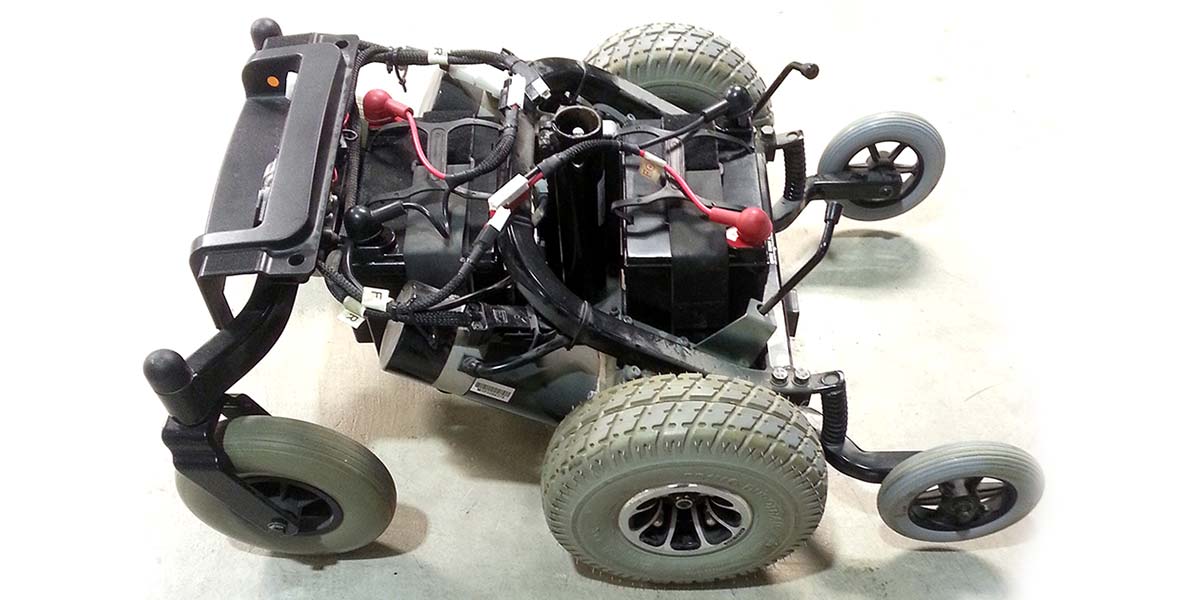
How an electric wheelchair joystick works: core components
An electric wheelchair joystick is a small device that the user moves by hand to tell the chair what to do. How does an electric wheelchair joystick work starts with a physical stick, sensors, a controller, and power electronics. When you push or tilt the stick, sensors measure direction and amount of motion. The controller interprets those sensor values and sends commands to the drive motors to change speed and direction.
Main parts explained:
- Joystick handle and mechanical gimbal: The part you move with your thumb or palm.
- Sensor element: Converts stick position into electrical signals, often a potentiometer or hall-effect sensor.
- Microcontroller or joystick module: Reads signals, applies calibration and filters, then outputs control data.
- Motor controller and driver: Translates commands into motor voltage and current.
- Battery and power system: Supplies the energy to run motors and electronics.
How does an electric wheelchair joystick work in practice? The user’s small move becomes a proportional electrical command. That command is passed along, amplified, and applied to the motors so the chair moves smoothly and predictably.
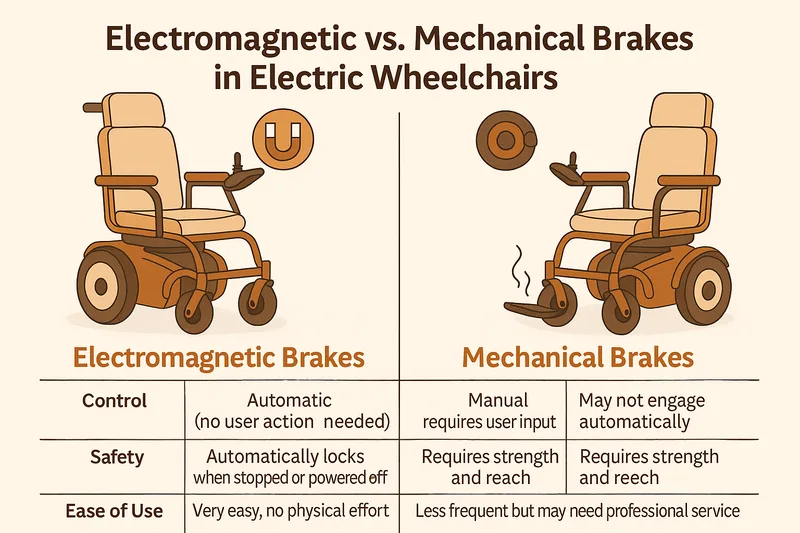
Sensors and electronics behind the joystick
The sensor is the heart of how does an electric wheelchair joystick work. Most modern joysticks use one of these sensors:
- Potentiometer: A variable resistor that changes voltage as the stick moves. Simple and low-cost.
- Hall-effect sensor: Measures magnetic field shifts and converts them to digital or analog signals. More durable and dust-resistant.
- Optical or capacitive sensors: Less common, used for specialized controls.
Electronic steps:
- The sensor creates an analog voltage or a digital stream representing X and Y position.
- An analog-to-digital converter (ADC) inside the joystick or controller samples that signal.
- The controller applies calibration, dead-zone filtering, and scaling to produce usable control values.
- Communication is sent to the main drive controller via wired protocols like PWM, analog voltages, or digital buses.
How does an electric wheelchair joystick work in noisy conditions? Good joysticks include filtering and dead-zone settings to avoid jitter and unwanted micro-movements from translating into motion, improving safety and comfort.
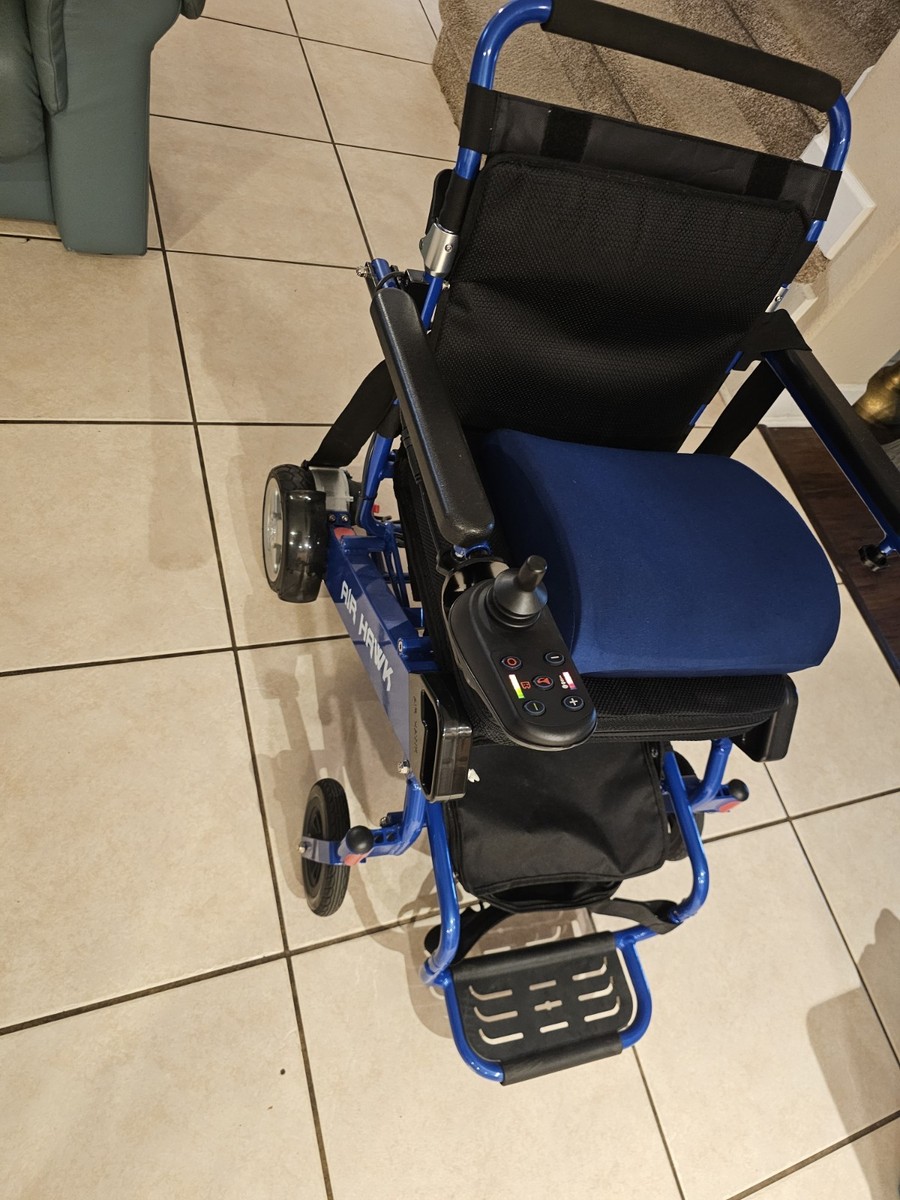
Control logic: from joystick movement to wheel motion
Understanding control logic clarifies how does an electric wheelchair joystick work inside the software layer. The controller maps stick position to motor commands using several steps.
Key control concepts:
- Dead zones: Small center-area movements ignored to prevent drift.
- Speed curves: Control how stick deflection relates to speed (linear, exponential, or custom profiles).
- Differential steering: For two-motor chairs, left and right motor speeds are calculated based on forward/back and turn commands.
- Safety interlocks: Conditions such as seat brake engaged or tilt limits stop motion.
Simple example flow:
- Read X/Y values from the joystick.
- Apply calibration and dead-zone.
- Map values to speed setpoints for each motor.
- Send commands to motor drivers with appropriate current limits.
PAA-style quick questions:
- How does an electric wheelchair joystick work when turning sharply? The controller reduces forward speed and increases difference between left and right motor outputs to pivot more sharply while maintaining stability.
- How does an electric wheelchair joystick work with different speed modes? Users select modes; the controller scales the same joystick input to lower or higher top speeds.
- How does an electric wheelchair joystick work to prevent sudden jolts? Smoothing filters and ramp limits ensure acceleration happens gradually to protect the user and motors.

Types of joysticks and user interfaces
There are several joystick styles and alternative controls related to how does an electric wheelchair joystick work. Choosing the right type depends on user ability and environment.
Common types:
- Proportional two-axis joysticks: Standard model for most power chairs; gives precise control over speed and turn.
- Digital/compact joysticks: Smaller, often used where space is tight; may require more fine motor control.
- Alternative switches: Sip-and-puff, head arrays, or single-axis joysticks for users with limited hand movement.
- Specialty joysticks: Tactile grips, programmable buttons, or integrated displays for advanced customization.
How does an electric wheelchair joystick work with alternative interfaces? The joystick’s signals are translated into the same motor commands, but the input device may need a special processor or adapter to match expected voltage ranges and protocols.
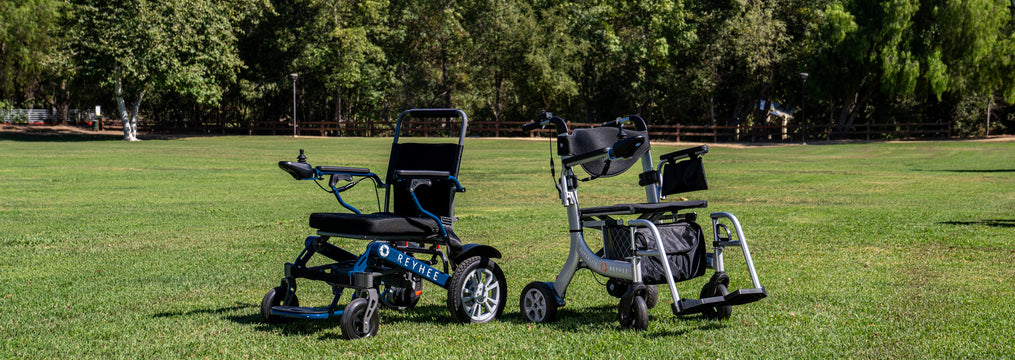
Safety features, limitations, and common faults
Safety is central to how does an electric wheelchair joystick work. Designers and clinicians add layers of protection to prevent harm.
Typical safety features:
- Automatic braking when the stick returns to center.
- Speed limits and gradual acceleration to avoid tipping.
- Fault detection that disables motion if the joystick signal is out of range or noisy.
- Seatbelt and tilt sensors tied into motion interlocks.
Common faults and causes:
- No response: Could be dead battery, loose connector, or failed motor controller.
- Drift or phantom motion: Commonly caused by worn potentiometer, failed sensor, or electrical noise.
- Jerky movement: Often due to bad calibration, poor filtering, or failing motor driver.
- Intermittent control: Caused by damaged wiring, corroded connectors, or moisture ingress.
How does an electric wheelchair joystick work when it fails? Most systems will default to a safe state (brakes on, motors off) and require inspection or service before normal use resumes.
Maintenance, troubleshooting, and practical tips
Good maintenance keeps the joystick reliable and explains how does an electric wheelchair joystick work day to day. Regular checks are simple and effective.
Routine checks:
- Inspect connections at the joystick and controller for corrosion or looseness.
- Clean the joystick boot and housing to keep dirt out of the gimbal.
- Test center position and response at power-on; many chairs show a status light for calibration.
- Replace consumables like rubber boots when torn.
Troubleshooting steps:
- Check battery charge and main power.
- Wiggle the joystick gently while observing motion to find intermittent wiring issues.
- Reset calibration using the chair’s diagnostic menu, if available.
- Swap to a known-good joystick module to isolate the problem.
Personal tip from experience: I once replaced a joystick for a user whose chair drifted left. The fix was a cheap pot replacement inside the module, not a new controller. Save time by documenting symptoms, trying a swap, and checking connectors before ordering parts.
Real-life examples and practical applications
Here are a few quick examples that show how does an electric wheelchair joystick work in real life.
Case examples:
- Senior user who needed softer response: We reduced top speed and applied an exponential speed curve to give smoother starts.
- Active user wanting sports-style handling: Reprogramming for a tighter dead-zone and faster ramp gave crisper turns.
- Outdoor power chair with dust exposure: Switching to a hall-effect joystick eliminated repeated potentiometer failures.
Lessons learned:
- Small adjustments to joystick ramps and modes make a big quality-of-life difference.
- Keep a spare joystick and basic tools on hand for quick field fixes.
- Work with a rehab engineer or ATP (Assistive Technology Professional) when customizing advanced settings.

Frequently Asked Questions of How does an electric wheelchair joystick work
What happens inside a joystick when I move the stick?
Moving the stick changes a sensor reading, such as a potentiometer voltage or a hall-effect output. The controller reads that change and converts it into commands for the drive motors.
Can a joystick be recalibrated, and how often should it be done?
Yes. Joysticks can be recalibrated via the chair’s diagnostic menu or service tools. Do it whenever you notice drift, jitter, or after replacing parts.
Why does my wheelchair drift even when the joystick is centered?
Drift often means the sensor is worn, dirty, or misaligned, or the center calibration is off. Electrical noise and loose connectors can also cause drift.
Are hall-effect joysticks better than potentiometer joysticks?
Hall-effect joysticks last longer in harsh environments because they have no sliding contacts. Potentiometers are simpler and cheaper but wear out faster.
Can I use alternative controls instead of a hand joystick?
Yes. Options include sip-and-puff, head arrays, and proportional switches. They require compatible controllers or adapters to match the chair’s input expectations.
How quickly should a joystick respond to my input?
Response should be immediate but smooth. Most systems add a small ramp to prevent sudden jerks while keeping control intuitive and predictable.
Is it possible to update joystick behavior without replacing hardware?
Often yes. Many chargers and controllers allow you to change speed profiles, dead zones, and ramp times through settings or clinician programming tools.
Conclusion
Understanding how does an electric wheelchair joystick work gives you power to choose, maintain, and customize your mobility device. Joysticks convert movement into signals, and those signals become the smooth motion of a chair through sensors, controllers, and motor drivers. With simple maintenance, careful troubleshooting, and a few smart adjustments, you can improve comfort and safety every day.
Try calibrating your joystick, test a different speed profile, or talk to a mobility specialist for a tailored setup. If this guide helped you, share your experience, subscribe for more mobility tips, or leave a question below — I’ll reply with practical advice.

Michael Reynolds is a senior contributor at RetirementGazette.com, where he focuses on helping readers navigate the journey toward a secure and fulfilling retirement. With over a decade of experience in personal finance, retirement planning, and lifestyle writing, Michael combines practical strategies with easy-to-understand guidance tailored for both pre-retirees and those already enjoying their golden years.