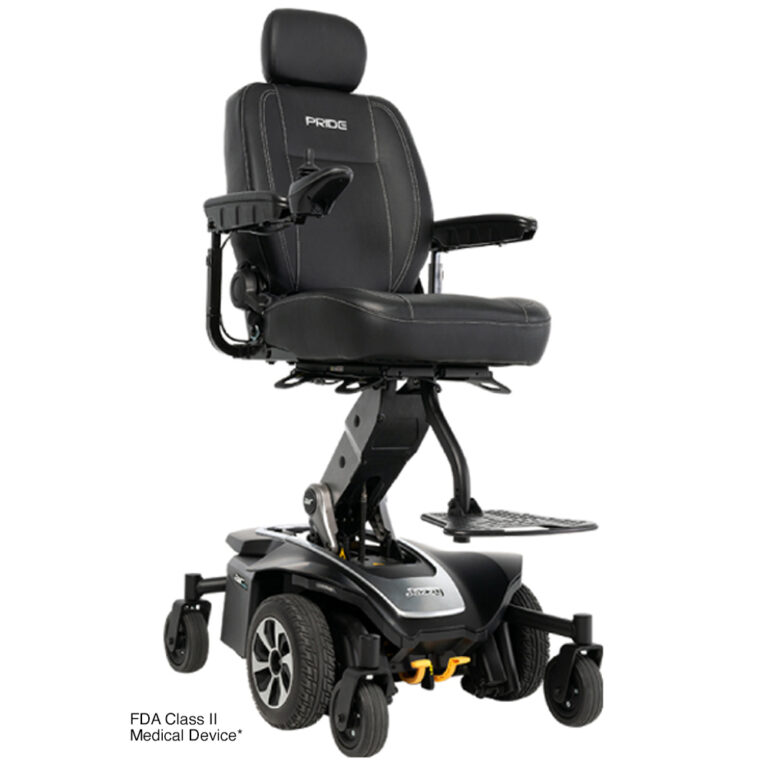
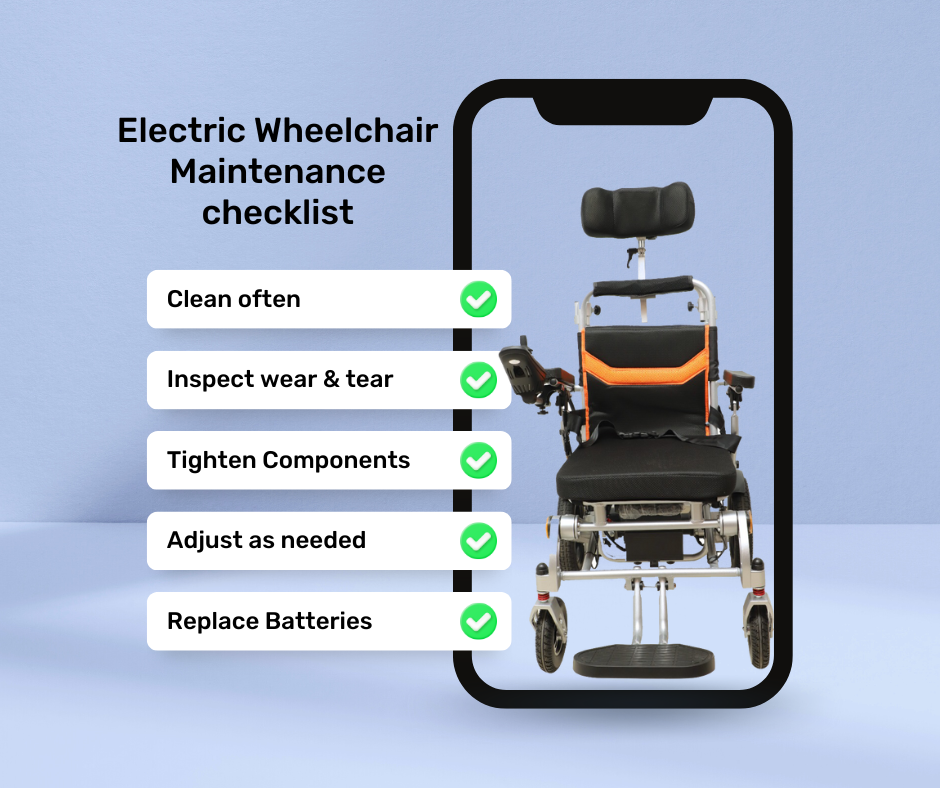
Wiping down key parts with a damp cloth and mild soap, avoiding direct water on electronics.
I’ve cleaned dozens of electric wheelchairs in clinics and at home, so I know what works and what can harm them. This guide on how to clean an electric wheelchair walks you through safe products, step-by-step techniques, and a simple maintenance plan. Read on to protect your chair, keep it hygienic, and extend its life with easy, practical steps you can use today.
Why regular cleaning matters for an electric wheelchair
Keeping an electric wheelchair clean reduces wear, prevents odors, and keeps components working well. Dust and grime can clog moving parts, corrode terminals, and wear down upholstery. Regular cleaning also lowers infection risk for users and keeps the chair looking and feeling comfortable. I learned early that small weekly care stops many costly repairs later, so a little effort goes a long way.

Safety first: prepare before cleaning
Always put safety first when learning how to clean an electric wheelchair. Follow these steps before you start cleaning:
- Turn off the wheelchair and remove the key if it has one.
- Unplug the charger and remove any detachable batteries per the manual.
- Move the chair to a dry, well-lit area with room to work.
- Wear gloves if you use cleaners or if the chair is heavily soiled.
Avoid spraying liquids directly on motors, controllers, or battery terminals. Check the owner’s manual; it often lists approved cleaners and warnings specific to your model. These precautions make cleaning safe and effective.
Step-by-step cleaning guide for an electric wheelchair
This step-by-step process covers the main parts: frame, upholstery, wheels, controls, and batteries. Follow the order below to avoid cross-contamination and accidental water damage.
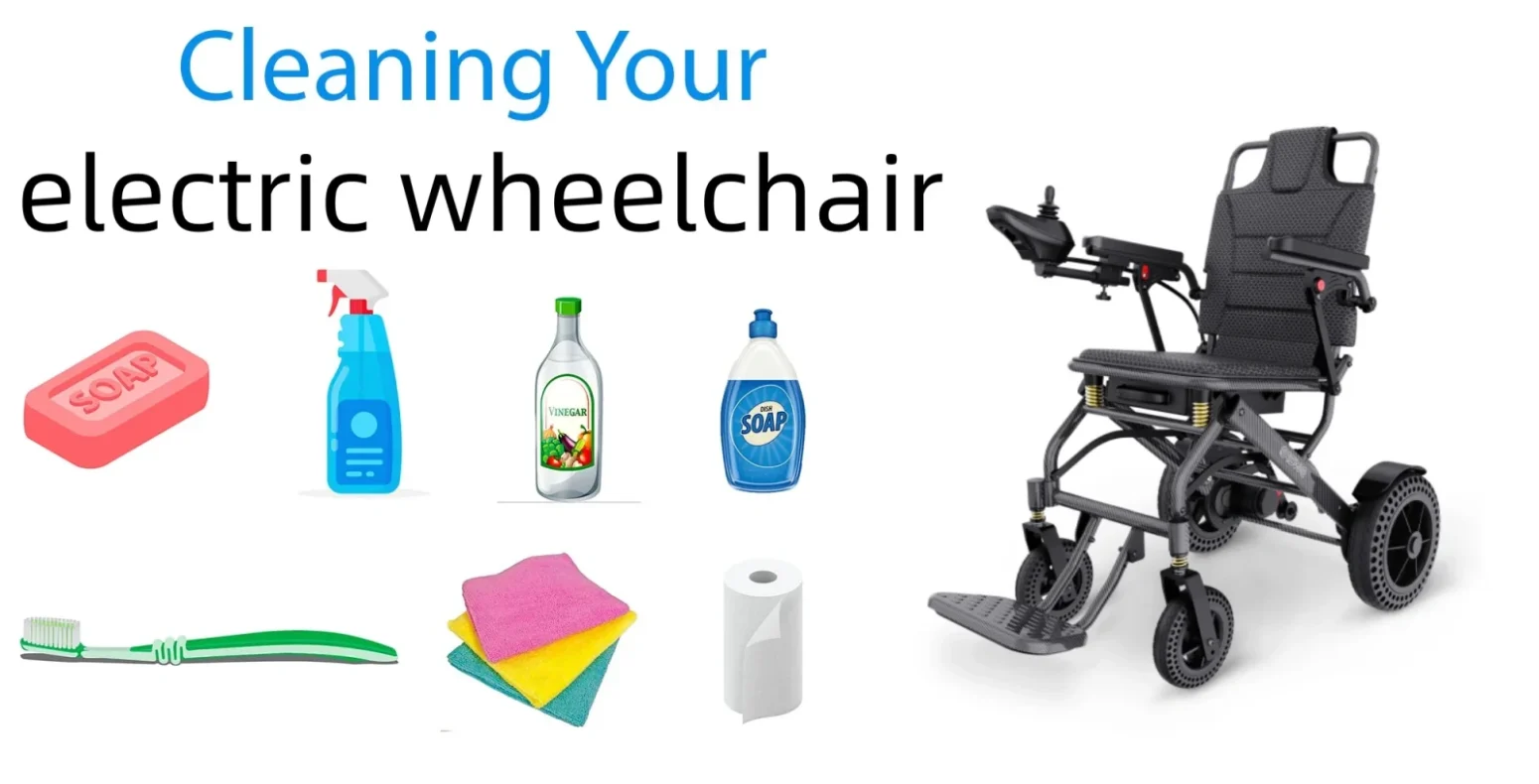
- Prepare supplies
- Mild dish soap or gentle upholstery cleaner
- Soft microfiber cloths and sponge
- Soft brush or old toothbrush for crevices
- Isopropyl alcohol (70%) for controls and small sanitizing needs
- Compressed air can for dust in tight spots
- Small container of warm water
- Paper towels and a dry towel
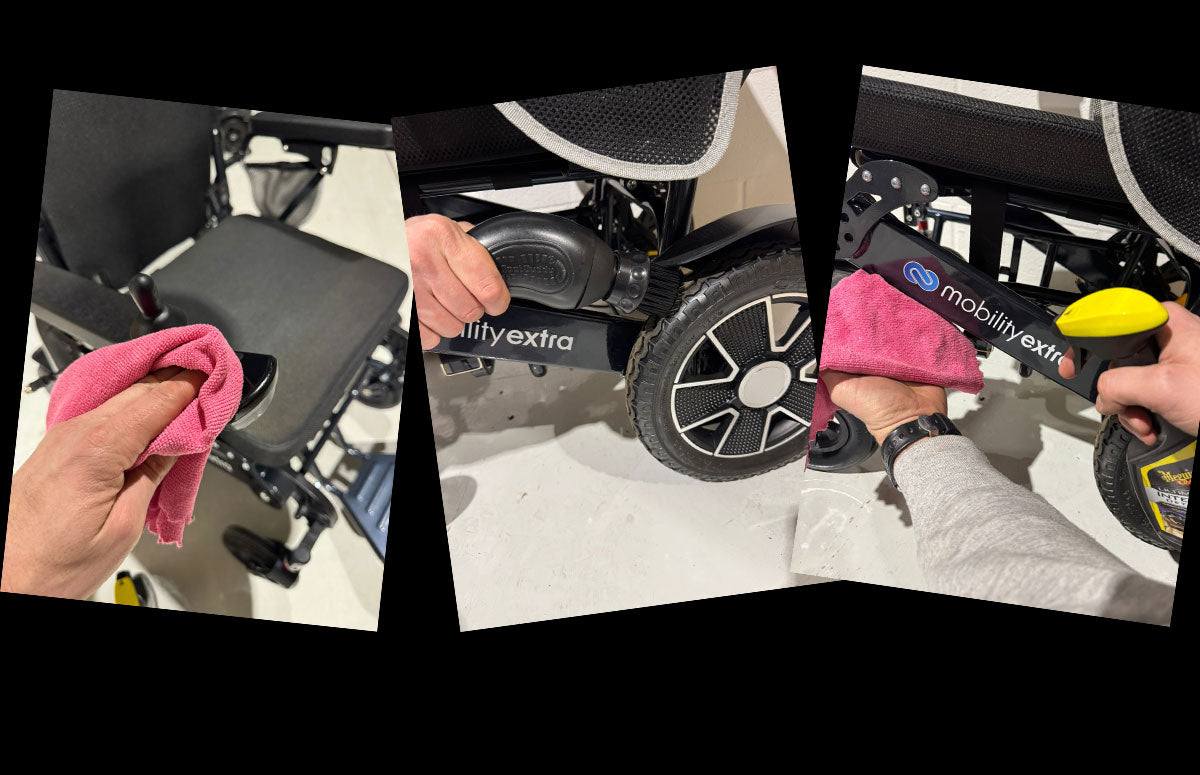
- Clean the frame and metal parts
- Mix a small amount of mild soap in warm water.
- Wring a cloth so it’s damp, not dripping, and wipe down the frame.
- Use a soft brush on textured areas and around joints.
- Dry thoroughly to prevent rust or corrosion.
- Clean upholstery and cushions
- Check the fabric tag or manual for material type.
- For vinyl and leather-like materials, wipe with mild soap and water, then dry.
- For cloth upholstery, use a recommended upholstery cleaner or a damp cloth with mild soap; blot, don’t soak.
- Remove and air-dry cushion covers if they are removable.
- Treat stains promptly and avoid bleach or harsh solvents that damage fabric.
- Clean wheels, tires, and casters
- Remove debris, hair, and thread from caster forks and wheel hubs.
- For solid tires, wipe with soap and water. For pneumatic tires, avoid spraying water near motor areas; clean the tread with a damp cloth.
- Check tire wear and inflate pneumatic tires to the recommended pressure.
- Lubricate wheel bearings per manufacturer guidance, using light machine oil if advised.
- Clean joystick, controls, and electronics
- Never soak controls or ports. Use a lightly damp cloth for external surfaces.
- Use isopropyl alcohol on a cotton swab for sticky buttons and the joystick shaft.
- Use compressed air to blow dust from around connectors and seams.
- Avoid opening control boxes unless you are qualified; leave internal electronic cleaning to a technician.
- Batteries and charging ports
- Remove batteries if your model allows it. Wipe the battery case with a dry cloth.
- Inspect battery terminals for corrosion. If you see white or green deposits, gently clean with a soft brush and a tiny amount of baking soda paste, then dry and reassemble.
- Wipe the charger and cable with a dry cloth. Do not use liquids on charger connectors.
- Charge batteries regularly and follow manufacturer storage guidelines.
- Motor and undercarriage
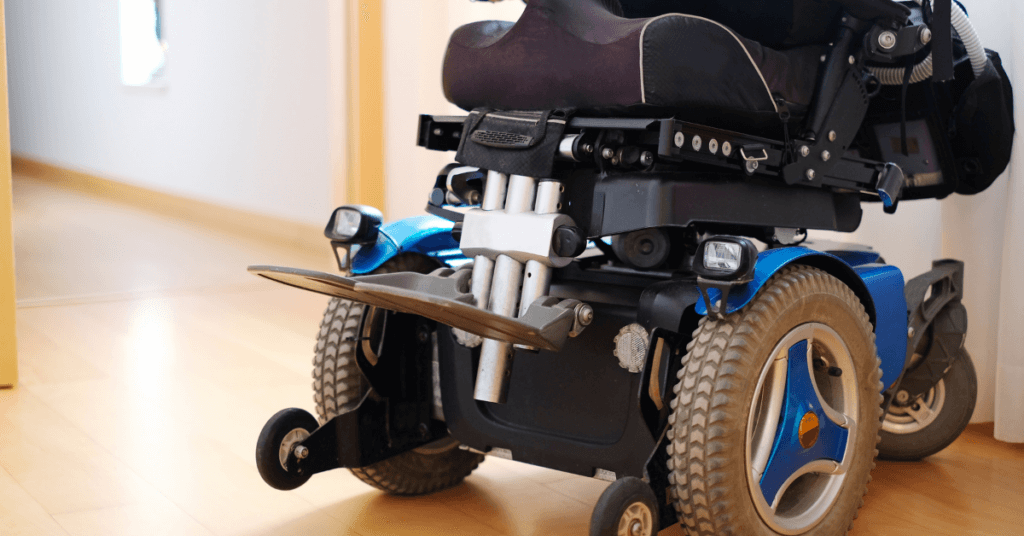
- Use a brush or compressed air to remove dust and dirt from the motor housing and undercarriage.
- Avoid using water on or near motors. If the motor area is oily or grimy, use a dry cloth and check with a technician if heavy cleaning is needed.
- Final inspection
- Re-attach batteries and test the chair in a safe area.
- Check brakes, turning, and joystick response.
- Note any odd noises, sluggish movement, or warning lights; schedule a service check if needed.
Repeat basic cleaning weekly and deeper maintenance monthly to keep the chair in top shape. I once skipped a monthly check and found a small build-up in a caster that later caused steering issues—regular care saved me that trouble after the fact.
Recommended cleaning products and what to avoid
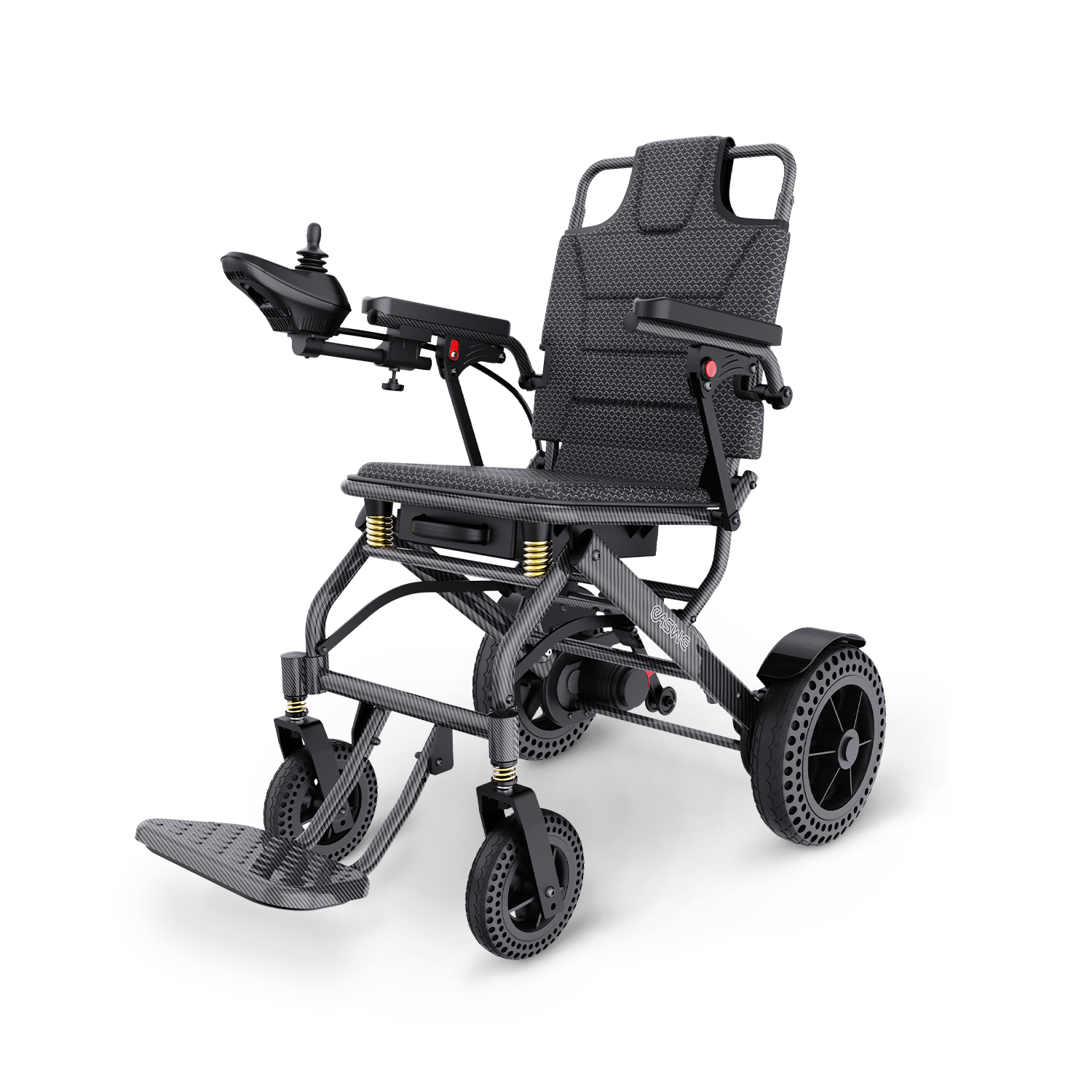
Choosing the right product helps you clean well without damage. Here’s what I use and what I avoid:
- Use mild dish soap or gentle upholstery cleaner for general cleaning.
- Use isopropyl alcohol (70%) for disinfecting hard controls and joystick surfaces.
- Use compressed air for dust in tight spots.
- Use a soft brush for crevices and a microfiber cloth to avoid scratches.
Avoid:
- Bleach, ammonia, or strong solvents that can weaken plastics and fabrics.
- High-pressure water or submerging parts.
- Petroleum-based oils on plastics and electrical parts.
I keep a small kit with approved cleaners and cloths. This makes cleaning fast and consistent.
Maintenance schedule and quick checklist
A simple schedule helps you remember what to do and when. Use this checklist to maintain your chair.
Weekly
- Wipe frame and controls.
- Remove debris from wheels and casters.
- Check tire condition and pressure.
Monthly
- Clean upholstery more deeply.
- Inspect battery terminals and charger.
- Blow out dust from motor housing with compressed air.
Every 6 months
- Inspect wiring and connectors.
- Check brakes and drive system.
- Schedule professional service if you find issues.
Document maintenance dates and any repairs. This habit helps with warranty claims and keeps the chair reliable.
Troubleshooting common cleaning problems
If liquids reach electronics
- Turn off power and remove batteries immediately.
- Dry the area with absorbent cloths and air-dry for 48 hours. If the chair behaves oddly, get professional help.
If controls feel sticky after cleaning
- Use isopropyl alcohol on a cotton swab to clean around buttons and shafts.
- Avoid lubricants near electrical contacts.
If wheels make noise after cleaning
- Check for trapped debris in casters or bearings.
- Re-lubricate bearings according to the manual, and test the chair at low speed.
PAA-style questions
- How often should you clean an electric wheelchair? Clean high-contact areas weekly and do deeper cleaning monthly to prevent wear and odor.
- Can you use regular household cleaners on an electric wheelchair? Mild soaps are fine, but avoid bleach and harsh solvents that can damage plastics and fabrics.
- What if my wheelchair gets wet? Power off and remove batteries, dry thoroughly, and seek pro help if function changes.

Personal tips from experience
I clean a chair the same way I clean a bike: quick checks, small fixes, and regular care. Here are some practical tips I’ve learned:
- Keep a small cleaning kit near the chair. It makes weekly care simpler.
- Photograph connectors and wiring before disconnecting anything. Photos help reassembly.
- Label screws and small parts in small bags when you remove them.
- Use a chair cover during travel or storage to cut down on dust.
These habits saved me time and avoided costly repairs when I worked with seniors and rehab teams.
When to call a professional
Some tasks are best left to trained technicians. Contact a pro if you notice:
- Electrical faults, sparks, or burning smells.
- Major corrosion on battery terminals.
- Severe motor noise or loss of power after cleaning.
- Damage to structural parts or welds.
A technician can open control boxes, test circuit boards, and safely repair motor issues. Regular cleaning prevents many of these problems, but skilled help is important for complex faults.
Frequently Asked Questions of How to clean an electric wheelchair
How often should I deep clean my electric wheelchair?
Deep clean upholstery and inspect major components monthly. Quick wipes of controls and frame should be done weekly.
Can I use household disinfectant wipes on my wheelchair controls?
You can use alcohol-based wipes on hard controls but avoid bleach wipes and strong solvents. Make sure wipes are only slightly damp and let surfaces fully dry.
Is it safe to spray disinfectant on wheels and motor housing?
Spray only on wheels and far from motors; do not spray directly on motor housings, control boxes, or battery ports. Use a damp cloth for areas near electronics.
How do I clean battery terminals safely?
Turn off the chair, remove the battery, and gently brush corrosion with a soft brush. Use a tiny baking soda paste if needed, rinse, dry completely, and reattach.
What should I do if my wheelchair gets exposed to rain?
Turn off power and remove batteries if possible, dry the chair thoroughly, and test function indoors. If you notice issues, have a technician inspect electrical components.
Conclusion
Regular, careful cleaning protects your electric wheelchair, keeps it sanitary, and extends its life. Follow simple weekly wipes, monthly deep-clean steps, and safety checks before touching electronics. Small habits—like a cleaning kit and routine inspection—save time and money and keep the chair reliable. Try the checklist above this week, and leave a comment or subscribe for more practical tips and easy maintenance guides.

Michael Reynolds is a senior contributor at RetirementGazette.com, where he focuses on helping readers navigate the journey toward a secure and fulfilling retirement. With over a decade of experience in personal finance, retirement planning, and lifestyle writing, Michael combines practical strategies with easy-to-understand guidance tailored for both pre-retirees and those already enjoying their golden years.